Supplier Bids
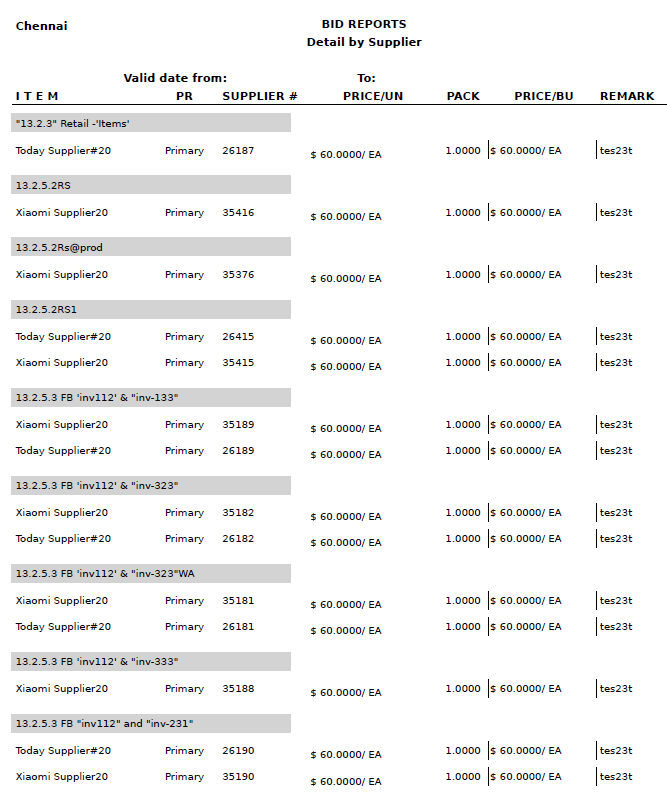
Bids by Item (BID02)
Navigate to Report ➜ Report.
Select Suppliers A/P from the drop-down menu.
Select Supplier Bids from the Section drop-down menu.
Select Bids by Item (BID02) from the Reports drop-down menu.
Enter the details in the applicable filters under the Filters section.
Click Generate Report to generate the report.
Sample Report